
Please purchase a small amount for test. If it is not suitable for you, don’t buy it.
Account format is as follows:
Account ID | Password | Google 2FA | Email | Email Password
First, log in to facebook.com using the Account ID and password.
Then, open g2fa.live and enter the Google 2fa. After submission, you will receive a 6-digit verification code.
Go back to the Facebook login page and enter the verification code to successfully log in.
Cookies extensions: https://bit.ly/fbcookies2
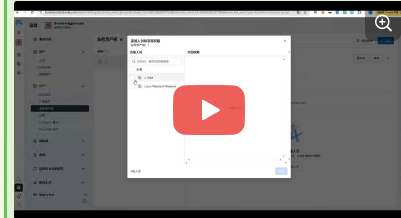
Once you get the account, you must
1. Clear other login devices
2. Change 2fa
2. Bind/modify the auxiliary email
3. Change the email password
After using it for a while, you must
1. Change the password
2. Clear other contact information that is not in the information